
 Avadh Ladani
Angular 22 officially released on June 3, 2026, and it carries more weight than a typical major version. This is not a release built around one headline feature. It is the version where Angular’s three-year investment in signals, accessibility, and reactive architecture stops being a roadmap and becomes the everyday reality of how Angular applications are built. Signal Forms are stable. The Resource API is stable. OnPush is now the default. Angular Aria is production-ready. Everything Angular teams were told to “watch but wait on” is now the recommended way forward.
This guide covers every key feature in Angular 22, explains what each one actually means for your codebase, walks through what can break during an upgrade, and gives you a clear way to decide whether to move now or plan it carefully.
Angular 22 is the latest version of Google’s frontend framework, released in June 2026. This release marks a major milestone for Angular’s signal-first architecture by stabilizing several features that were previously experimental or in developer preview.
With Signal Forms, Resource APIs, Angular Aria, and default OnPush change detection becoming production-ready, Angular 22 provides developers with a more efficient way to build scalable web applications while reducing framework complexity.
Explore Angular 22 key features, latest updates, architectural improvements, and development enhancements designed to improve modern Angular applications.
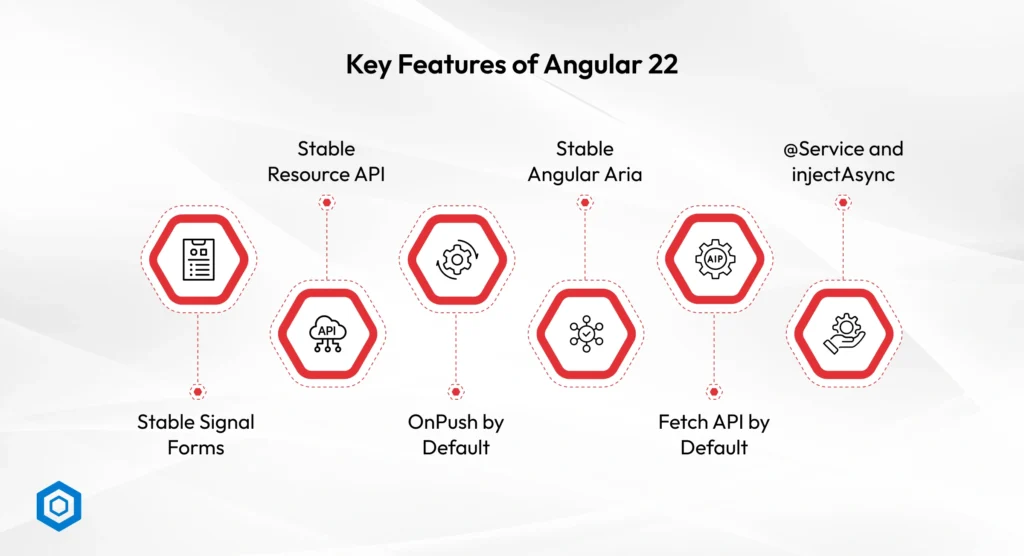
Signal Forms are now officially stable in Angular 22, making them the recommended solution for building modern forms. They use Angular Signals to manage form values, validation states, and submissions without relying on complex FormGroup and FormControl configurations. This creates a more reactive and maintainable form architecture while reducing development effort.
Key Benefits:
Less form boilerplate code
Built-in reactive state management
Simplified validation and submission handling
Better integration with Angular Signals
Gradual migration from Reactive Forms
Angular 22 stabilizes the Resource API, including resource(), httpResource(), and rxResource(). These APIs provide a framework-native way to handle asynchronous data, loading states, and error management without building custom service-layer infrastructure.
Key Benefits:
Cleaner async data handling
Native Signal integration
Reduced RxJS complexity
Automatic loading and error states
Easier data-fetching workflows
OnPush becomes the default change detection strategy for newly created Angular 22 components. Components now update only when their inputs change or when Signals emit new values, reducing unnecessary rendering and improving application performance.
Key Benefits:
Faster rendering performance
Reduced change detection cycles
Better scalability for large applications
Improved responsiveness
Optimized for Signal-based applications
Angular Aria is now stable and provides accessible, headless UI primitives for components such as modals, menus, tabs, dropdowns, and comboboxes. It helps developers implement accessibility best practices without having to manually handle complex ARIA requirements.
Key Benefits:
Built-in accessibility support
Keyboard navigation handling
Screen reader compatibility
Fully customizable UI design
Faster accessible component development
Angular 22 replaces XMLHttpRequest with the browser’s native Fetch API as the default HTTP implementation. Existing HttpClient APIs remain unchanged, ensuring compatibility while improving support for modern web capabilities.
Key Benefits:
Better server-side rendering support
Improved streaming capabilities
Modern browser integration
No major migration effort
Enhanced platform compatibility
Angular 22 introduces the @Service decorator to simplify service registration and injectAsync() for lazy-loading dependencies when required. Together, these features reduce boilerplate and improve application startup performance.
Key Benefits:
Cleaner service definitions
Reduced dependency injection setup
Smaller initial bundle sizes
Faster application loading
Efficient on-demand dependency loading
Beyond performance and developer experience improvements, Angular 22 introduces several AI-focused capabilities that make the framework more compatible with modern AI-assisted development workflows. These additions help coding assistants better understand Angular applications while laying the foundation for future AI-powered and agent-driven experiences.
Key AI Enhancements
Why It Matters
As AI-assisted development becomes increasingly common, Angular 22 helps developers work more effectively with coding assistants while preparing applications for the next generation of intelligent and agent-driven user experiences.
While many Angular releases focus primarily on developers, Angular 22 also delivers meaningful business benefits.
Business Benefits:
For organizations building SaaS platforms, enterprise software, customer portals, or internal business systems, Angular 22 helps reduce technical complexity while supporting long-term product growth.
Angular 22 isn’t a complete reinvention of the framework, but it does mark an important shift. Many of the features introduced as previews, experiments, or optional enhancements in Angular 21 have now become stable, production-ready, and, in some cases, the default behavior.
This release continues Angular’s move toward a signal-first architecture while improving performance, simplifying development workflows, and reducing the amount of configuration required in new projects.
For teams already running Angular 21, the upgrade feels more like a refinement than a major migration. However, there are a few behavioral changes and tooling updates worth understanding before making the switch.
| Aspects | Angular 22 | Angular 21 |
| Signal Forms | Stable | Experimental |
| Resource APIs | Stable | Experimental |
| Angular Aria | Stable | Developer Preview |
| Change Detection | OnPush By Default | Traditional Default |
| HTTP Client | Fetch API Default | Fetch Opt-In |
| Hydration (SSR) | Improved & Default | Available with Setup |
| Strict Templates | Enabled by Default | Optional |
| Testing | Vitest Default | Vitest Opt-In |
| TypeScript Support | TypeScript 6 | TypeScript 5.x |
| Node.js Support | Node.js 22–26 | Node.js 20 |
| AI Development Tools | Agent Skills, MCP, WebMCP | Limited Support |
Upgrading to Angular 22 is generally straightforward, especially for applications already running Angular 21. The Angular CLI handles most migration tasks automatically, reducing the amount of manual work required.
However, development teams should still review third-party dependencies, TypeScript compatibility, routing behavior, and testing workflows before moving production applications to Angular 22. Applications that rely on custom HTTP implementations or legacy Angular patterns may require additional validation after the upgrade.
For most modern Angular applications, the migration process is predictable, but performing thorough testing before deployment helps avoid unexpected issues and ensures a smoother transition. If your team lacks in-house migration expertise, you can also hire Angular developers to accelerate the upgrade process and minimize implementation risks.
Before Upgrading
A successful Angular upgrade isn’t just about updating packages. The safest approach is to validate your environment, dependencies, and application behavior before rolling changes into production.
Step 1: Review Project Dependencies
Start by checking Angular Material, UI libraries, authentication packages, analytics tools, and other third-party dependencies for compatibility with Angular 22.
Step 2: Create a Dedicated Upgrade Branch
Avoid upgrading directly on your production branch. Create a separate migration branch to test changes safely.
Step 3: Run Angular Update Commands
Use Angular’s official update tooling to apply framework updates and recommended migrations.
Step 4: Validate Critical Application Workflows
Test forms, routing, API communication, authentication, dashboards, and reporting modules to ensure everything behaves as expected.
Step 5: Benchmark Performance
Compare build times, rendering performance, and application responsiveness before and after the upgrade.
Step 6: Deploy Gradually
Roll out Angular 22 in stages whenever possible. This minimizes risk and provides opportunities to catch issues before they affect all users.
Upgrade Now If
You’re already using Angular 21
You plan to adopt Signals
Your application is actively maintained
Performance optimization is a priority
Plan Carefully If
Critical third-party libraries require updates
You’re in the middle of a production release cycle
Your application contains extensive legacy code
Treat It as a Modernization Project If
You’re running Angular 17 or earlier
Your application requires multiple version upgrades
Technical debt has accumulated significantly

Angular 22 marks an important step forward for modern Angular development. With stable Signal Forms, Resource APIs, Angular Aria, improved performance defaults, and new AI-focused capabilities, the framework provides developers with a more efficient and maintainable way to build web applications.
For teams already using Angular, this release offers a strong reason to upgrade and take advantage of Angular’s latest improvements. Organizations running older versions should begin planning their migration strategy to ensure long-term compatibility, performance, and support.
As an experienced Angular development company, Codeflash Infotech helps businesses upgrade Angular applications, modernize legacy codebases, and build high-performance web solutions using the latest Angular technologies.
Angular 22 introduces several major improvements, including stable Signal Forms, stable Resource APIs, default OnPush change detection, Angular Aria, Fetch API support, and AI-assisted development capabilities. These features help developers build more efficient and maintainable applications.
Yes, Angular 22 is a stable production release. Features that were previously experimental or in preview, such as Signal Forms and Angular Aria, are now officially supported and recommended for production applications.
For most actively maintained applications, upgrading from Angular 21 to Angular 22 is recommended. The release offers better performance defaults, improved developer experience, enhanced accessibility support, and a more mature signal-first architecture.
Most migrations are handled automatically through Angular CLI update tools. However, developers should review changes related to OnPush defaults, Fetch API adoption, TypeScript requirements, routing behavior, and third-party library compatibility.
Yes, Angular 22 improves performance through default OnPush change detection, optimized rendering, better hydration, and more efficient state management. These enhancements help reduce unnecessary component updates and improve application responsiveness.
Yes, Angular 22 is well-suited for enterprise software, SaaS platforms, customer portals, and large-scale business applications. Its focus on performance, maintainability, accessibility, and modern development workflows makes it a strong choice for enterprise development.